Your systems, joined
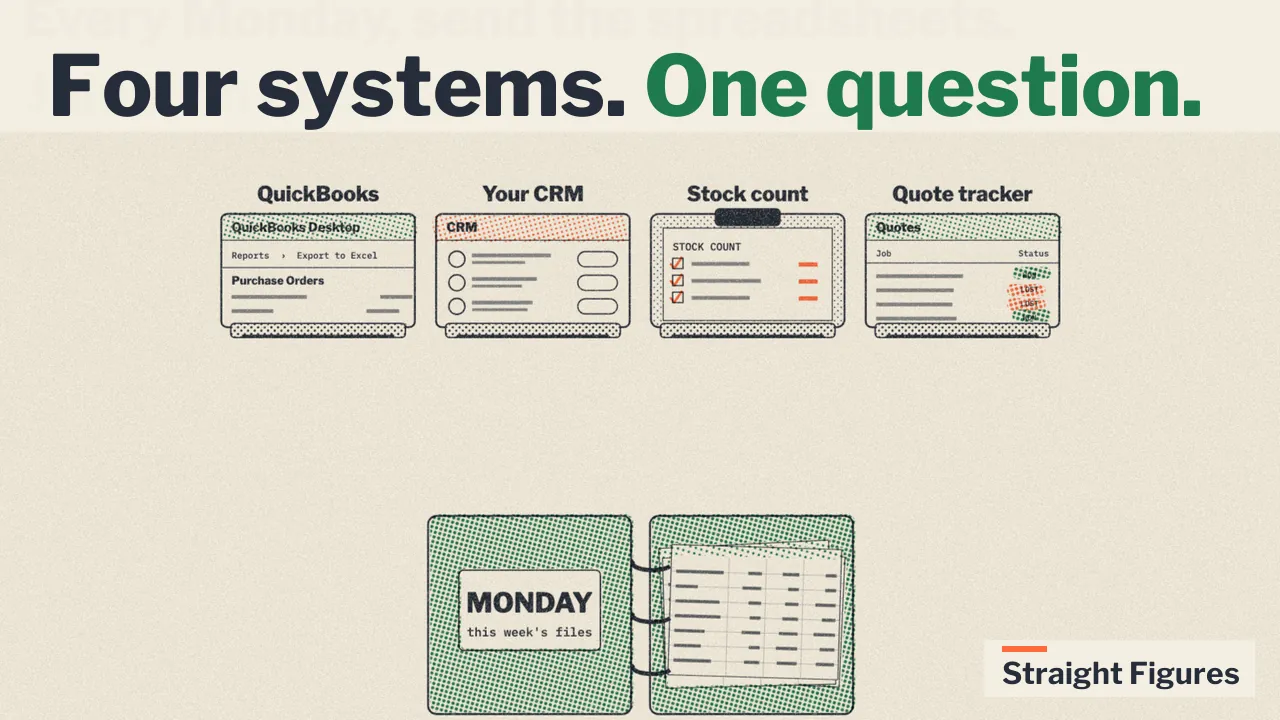
Your numbers are in more than one place. QuickBooks has the invoices and the purchase orders. The routing app has the deliveries. The stock count is a spreadsheet. The supplier’s price sheet is a PDF. The estimates are in QuickBooks but the reason you lost one is in your head. No assistant can see them together. A database built from their exports can.
What we do about it
We take your data out of QuickBooks as reports, put it in a database, and connect it to your Claude or ChatGPT. QuickBooks stays as it is.
The first step is small on purpose. We model one year of your sales data and get on a live call where you ask and your own numbers answer. You give us the three questions you most want answered, and we get you those answers or figure out how we can deliver them. You keep the database, connected to your Claude or ChatGPT.
We agree the cost of the first step on the call. If you don’t go ahead, we delete the project and your data doesn’t stay with us. If it earns its place, we keep it current every week and send the reports you pick.
Nothing we build can write to your books. How your data is handled: what we take, where it lives, who can see it, how you get it back.
What joins today
The database starts from QuickBooks Desktop. Each of these joins it once you can export it as a file:
- A routing app’s delivery log, one row per stop, with the invoice number on it.
- The weekly stock report, from QuickBooks or from a physical count.
- The supplier’s price sheet, as a spreadsheet or a PDF.
- The estimates report from QuickBooks, with a won-or-lost sheet kept from the week it starts.
- The commission spreadsheet and the roster behind it.
The rule is the export. If a system can hand you a file, it joins. If it cannot, it does not, and we say so on the first call rather than after.
How the join works
Each file has a key that QuickBooks also has: an invoice number, a customer name, an item name, a supplier name. The join is on that key. Names that do not match get cleaned once, on the way in, and the cleaning is kept, so the next week’s file joins without anyone touching it.
The weekly refresh stays what it is: the QuickBooks reports plus the other files, checked against QuickBooks’ own totals before anything publishes, about five minutes a week once it is set up. The data is as of that refresh. It is not live, and it does not track an order in flight.
One two-system question, from a fictional company
The routing app’s delivery log against the credit memos in QuickBooks. Neither system could ask it alone.
Which driver has the damage claims, and what’s his on-time rate?
The routing app’s delivery log, one row per delivered invoice, joined to the credit memos in QuickBooks marked as damaged returns:
| Driver | Deliveries | On time | Damage claims |
|---|---|---|---|
| Cody Brandvold | 823 | 76% | 8 |
| Jon Peltier | 1,157 | 91% | 5 |
| Rick Aalto | 1,111 | 90% | 4 |
| Tom Sandoval | 456 | 88% | 3 |
| Marta Okafor | 222 | 89% | 0 |
Cody Brandvold has the most damage claims, 8, and the worst on-time rate, 76%. The delivery log is the routing app’s export. The damage claims are credit memos in QuickBooks. Nobody had put the two files side by side.
How that was computed
select driver,
       count(*) as deliveries,
       round(100.0 * avg(on_time)) as on_time_pct,
       sum(damage_flag) as damage_claims
from v_deliveries
where on_time is not null
group by driver
order by damage_claims desc, on_time_pct
Northgale Building Products is a fictional company. Every name, figure and supplier on this page is made up, built to behave like a real three-and-a-half-year QuickBooks Desktop file so we can show real screens without showing anyone’s real numbers. Data as of the 2026-07-27 refresh; the last invoice in the file is dated 2026-07-24.
Short answers
- Does this work with any accounting system?We build for QuickBooks Desktop. The other systems join the QuickBooks database; they do not replace it.
- Is the joined data live?No. It is as of the weekly refresh, and every refresh is checked against QuickBooks before it publishes.
- What if our routing app has no export?Then it does not join. We tell you that on the first call. The delivery record can still start from a driver’s sheet typed in weekly.